Exit strategy
How to Cancel Base44
 OffRamp · September 25, 2026 · 6 min read
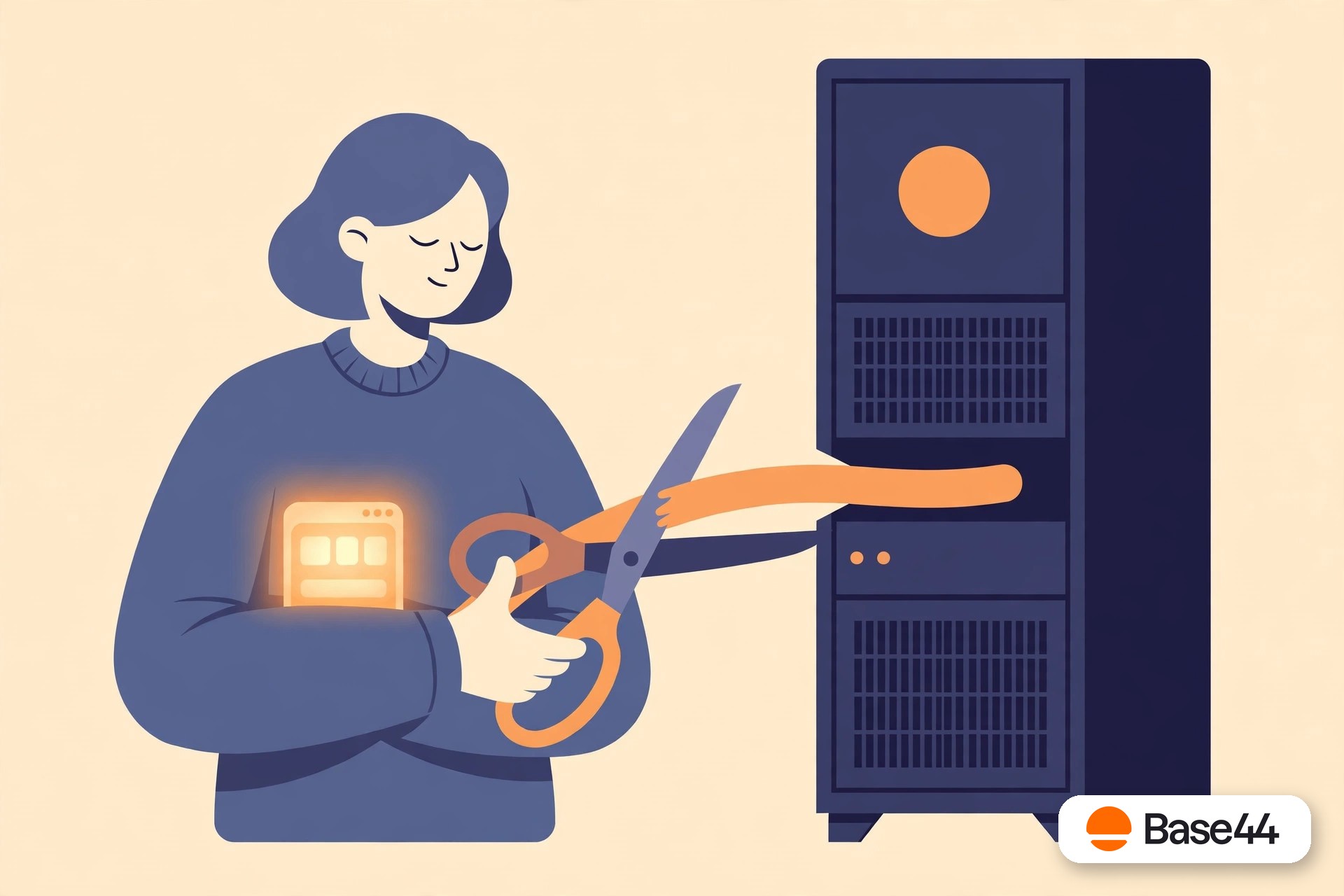
Yes, you can cancel — canceling is the easy part. The hard part is that your app stops working the moment you do. The subscription is the engine, not the paint job: kill the billing and the database, logins, backend functions, and files go with it. The safe move is to migrate first and cancel last, never the reverse.
The order of operations
Cancel last, not first
Almost every “I lost my app” story starts the same way: someone cancels, assumes the export they downloaded is the app, and discovers weeks later that it was only the screens. Cancellation isn’t step one. It’s the final step of a short project:
1. Inventory everything
List what your app actually is: screens, data tables, user accounts, uploaded files, backend functions, scheduled jobs, integrations, and the custom domain. Our export guide walks through which pieces come out cleanly and which don’t.
2. Pull everything portable
Export the frontend, download every data table, grab every uploaded file. Screenshot anything you can’t export cleanly — admin views, function logic, settings. Assume that after cancellation, nothing is recoverable.
3. Rebuild on infrastructure you own
This is the real work: the database, auth, functions, and hosting recreated on accounts in your name — Supabase, Vercel, GitHub — with your data moved over and your frontend reattached.
4. Test, switch, then cancel
Log in with real accounts on the new app. Move your data. Point your domain at the new hosting. Watch it run for a few days. Then cancel Base44 — from wherever you subscribed — knowing there’s nothing left behind worth saving.
What stops
What actually stops the day you cancel
It helps to be concrete about this, because “the app stops working” undersells it. When the subscription ends, everything your app needs to function — and everything your users’ data lives in — goes dark at once:
- Logins fail. Authentication runs on Base44’s servers, so nobody can sign in — including you.
- Data is unreachable. Every table your app reads and writes lives in Base44’s database, which you can’t connect to from outside.
- Backend functions don’t run. Any server-side logic, automations, and scheduled jobs stop executing.
- Files disappear. Uploads served from Base44’s storage stop resolving.
- Your domain points at nothing. The domain itself stays yours, but there’s no app behind it anymore.
The export you downloaded changes none of this — it never contained the database, auth, functions, or files. That’s why ownership without portability is just a lease: the asset only exists while the rent is paid.
Don’t forget
Five things people forget before canceling
These are the details that turn a clean exit into a support nightmare. Handle them before you hit cancel, not after.
Passwords can’t come with you
Passwords are stored as one-way hashes — no platform lets you export them, Base44 included. Every user will need to set a new password on the migrated app, usually through a reset link on first login. Tell them before the switch, not after they’re locked out.
API keys and integrations
Stripe keys, email providers, maps APIs, webhooks pointing at Base44 — all of it needs to be re-created and re-pointed at your new infrastructure. Make a list from your Base44 integrations panel while you still have access.
Scheduled functions
Nightly reports, reminder emails, cleanup jobs — anything on a timer dies silently at cancellation. These are the easiest to forget and the most embarrassing to rediscover missing.
Uploaded files
Profile photos, PDFs, images — download them all. File storage is the piece most exports skip, and it’s the piece users notice first when it’s gone.
DNS and email
Point your domain at the new hosting before canceling, and check that transactional email (password resets, notifications) sends from the new setup. A working app that can’t email its users isn’t a working app.
The shortcut
The shortcut: migrate first, cancel second
Doing the four steps above by hand is honest work — a long weekend for a small app, a multi-week project for a real one. The alternative is to have the whole inventory-pull-rebuild-test sequence done for you.
That’s what OffRamp is: you connect your Base44 account (read-only — your app is never touched), we pull the entire project, and rebuild every layer on Supabase, Vercel, and GitHub accounts in your name. Data, users, files, functions, and frontend all come along, and you test the finished app on a staging link before anything changes.
Then you cancel Base44 with total confidence — because there’s nothing left on it worth keeping. If you’re weighing whether the app is worth the effort, the limits in numbers may help you decide. Agencies shipping client work on Base44 face the same exit math on every engagement.
FAQ
Questions, answered honestly
Can I cancel Base44 and keep my app running?
Not on Base44’s infrastructure. The database, authentication, backend functions, and file storage all stop with the subscription. Keeping the app alive means moving it to infrastructure you own before you cancel.
Will Base44 keep my data after I cancel?
Don’t count on it. Assume nothing is kept and nothing is recoverable after cancellation — export every table, download every file, and screenshot anything you can’t export cleanly while you still have access.
Where do I cancel my subscription?
Cancel where you subscribed: in your Base44 account settings if you pay on the web, or through the App Store / Google Play subscription management if you subscribed on mobile. Make sure the subscription itself is canceled, not just the app deleted.
What happens to my custom domain?
The domain stays yours — it’s registered separately from Base44 — but it will point at a dead app once the subscription ends. Point it at your new hosting before you cancel so there’s no downtime.
Can I get my users’ passwords out of Base44?
No — passwords are stored as one-way hashes and can’t be exported from any platform. Plan for every user to set a new password on the migrated app, usually via a reset-password email on first login.
I don’t want to cancel — I just want to sign out. Is that safe?
Completely. Signing out ends your login session and nothing else — your app, data, subscription, and billing are all untouched. Here’s how to sign out of Base44 on the web and on your phone.
Cancel the bill. Keep the app.
Before you cancel, migrate your app off Base44 so it keeps running after the subscription ends. Connect your Base44 account from the OffRamp home page. The free analysis takes about a minute — what’s portable, every gap, and your fixed quote — and your Base44 app stays untouched throughout.
Start your free analysis