Your data
What Database Does Base44 Use (and Can You Reach Your Data)?
 OffRamp · September 25, 2026 · Updated October 5, 2026 · 5 min read
Base44 runs your data on its own managed database — a MongoDB-style document store you can’t connect to. There’s no database URL, no connection string, no SQL console, no backup you control. You can see your data through Base44’s window and carry pieces of it out through exports, but the database itself is theirs, not yours.
What it is
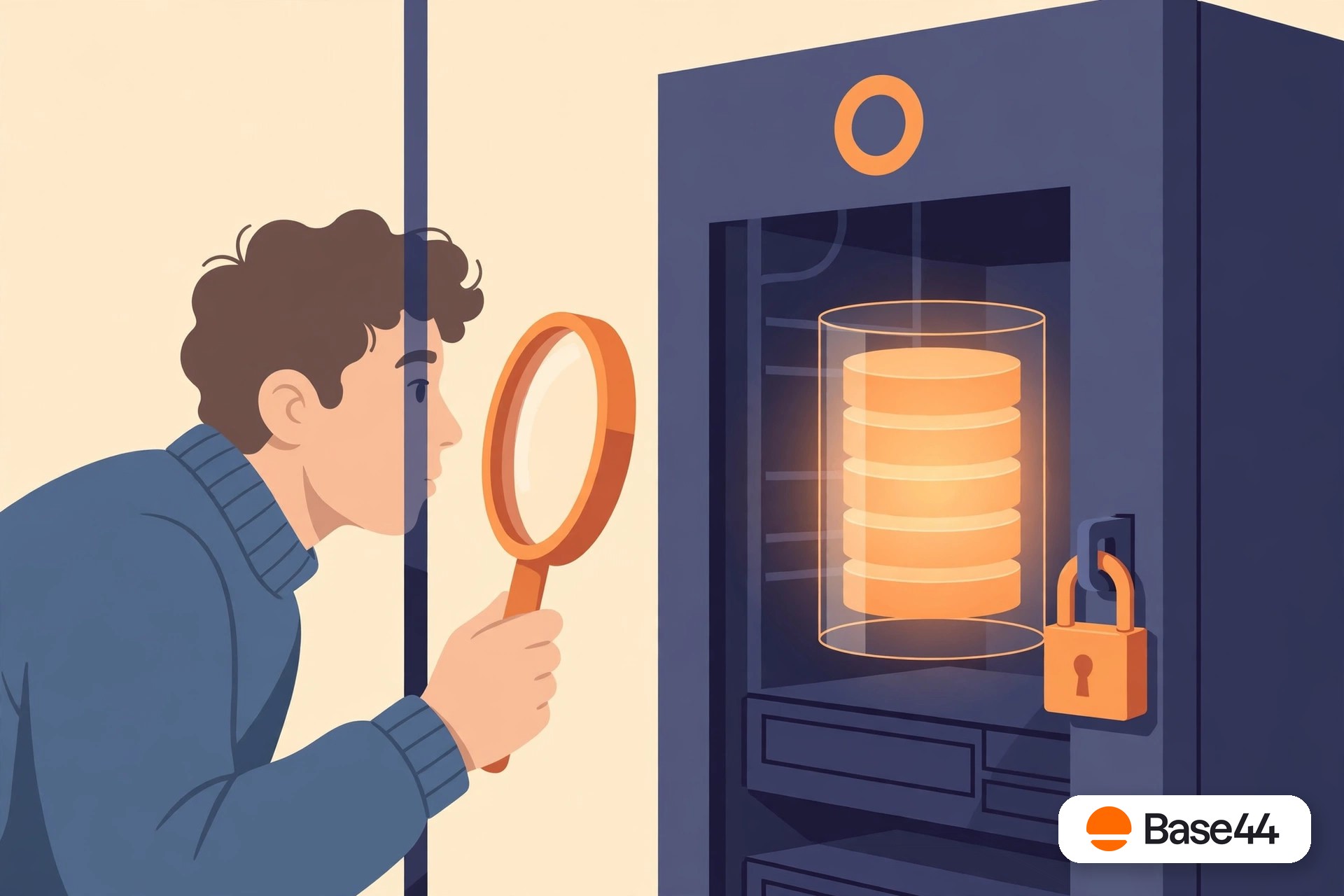
A real database, behind glass you can’t open
Let’s be fair: Base44’s database works. Your app reads and writes to it, it’s fast enough, and you never think about indexes, replication, or disk space. That’s the whole pitch of a managed platform — the database is somebody else’s problem.
The catch is that “somebody else’s problem” also means somebody else’s property. Base44 doesn’t publish the exact engine, but it behaves like a managed document database in the MongoDB family: collections of records, managed entirely by the platform. And because it’s managed for you rather than by you, the door only opens from the inside.
This is the pattern behind every “can I…?” question below. The database is real, your data is really in it, and you can’t touch it directly.
The glass wall
What you can and can’t do with your own data
You can: view it in the data tab
Browse your tables inside Base44’s interface — see rows, edit values, add records. It’s a perfectly good window. It’s just the only window.
You can: export tables
Download your data, typically as CSVs — the raw rows come out fine. Our export guide covers exactly what survives the trip and what needs manual reconstruction.
You can’t: connect to it
No connection string, no database URL, no direct access from your own code, BI tools, or admin clients. If a tool can’t go through Base44, it can’t reach your data.
You can’t: query it freely
No SQL console, no aggregation pipelines, no custom indexes. You get the queries Base44’s interface offers, and that’s the menu.
You can’t: back it up yourself
There’s no backup you can trigger, no point-in-time restore you control, no copy sitting in your own storage. Your disaster recovery plan is “Base44 has one,” and you can’t audit it.
You can’t: move it
There’s no replication to an external database, no live sync, no “also write to my Postgres.” Your data lives in exactly one place, and leaving means exporting and re-importing.
Why it matters
When the glass wall becomes a problem
For a prototype, none of this matters. For a real app, each limitation has a moment where it bites: the day you want a real analytics dashboard and can’t point it at your data. The day a big customer asks where their data is backed up and your answer is a shrug. The day you need to leave and discover that “export” means CSVs, not a database. And the files your users uploaded are not in those CSVs at all — they live in a separate store, and Base44 file storage is its own migration job.
The fix isn’t a better export — it’s a database with your name on it. A Postgres database in your own Supabase project gives you the connection string, the SQL console, the backups, and the right to move it anywhere. That’s the normal state of affairs for software; Base44 is the exception, not the rule.
If you’re mapping the old world to the new one, Base44 vs Supabase shows where each piece lands — including the database.
FAQ
Questions, answered honestly
What database does Base44 use?
Base44 runs your data on its own managed database — a MongoDB-style document store operated entirely by the platform. The exact engine matters less than the access model: there’s no connection string and no direct access, so for practical purposes the database is theirs, not yours.
Can I connect directly to my Base44 database?
No. Base44 doesn’t expose a database URL, connection string, or SQL console. You interact with your data only through Base44’s interface — the data tab, the app itself, and exports.
How do I get my data out of Base44?
Through exports: download tables (typically as CSV), download uploaded files, and manually reconstruct relationships, computed fields, and validation rules on the other side. Our export guide walks through what comes out cleanly.
Does Base44 back up my data?
Base44 operates the infrastructure, but you have no backup you can trigger, no restore you control, and no copy under your own roof. If the data matters, you need your own copy on infrastructure you own.
What does a database I actually own look like?
A Postgres database in your own Supabase project: connection string in your hands, direct queries, backups you control, and the freedom to move it. That’s what OffRamp sets up — your data, in your database, in your account.
Your data belongs in your database.
Connect your Base44 account from the OffRamp home page. The free analysis takes about a minute — what’s portable, every gap, and your fixed quote — and your Base44 app stays untouched throughout.
Start your free analysis