Switching builders
Moving from Base44 to Lovable? Read This First
 OffRamp · September 25, 2026 · Updated October 5, 2026 · 6 min read
You can’t move a Base44 app to Lovable — you rebuild it there. There is no import button between AI builders, in either direction. Lovable is good at generating new apps from a description; it has no way to ingest your existing Base44 project. What transfers is the part you can describe and re-upload. Everything else gets rebuilt by hand.
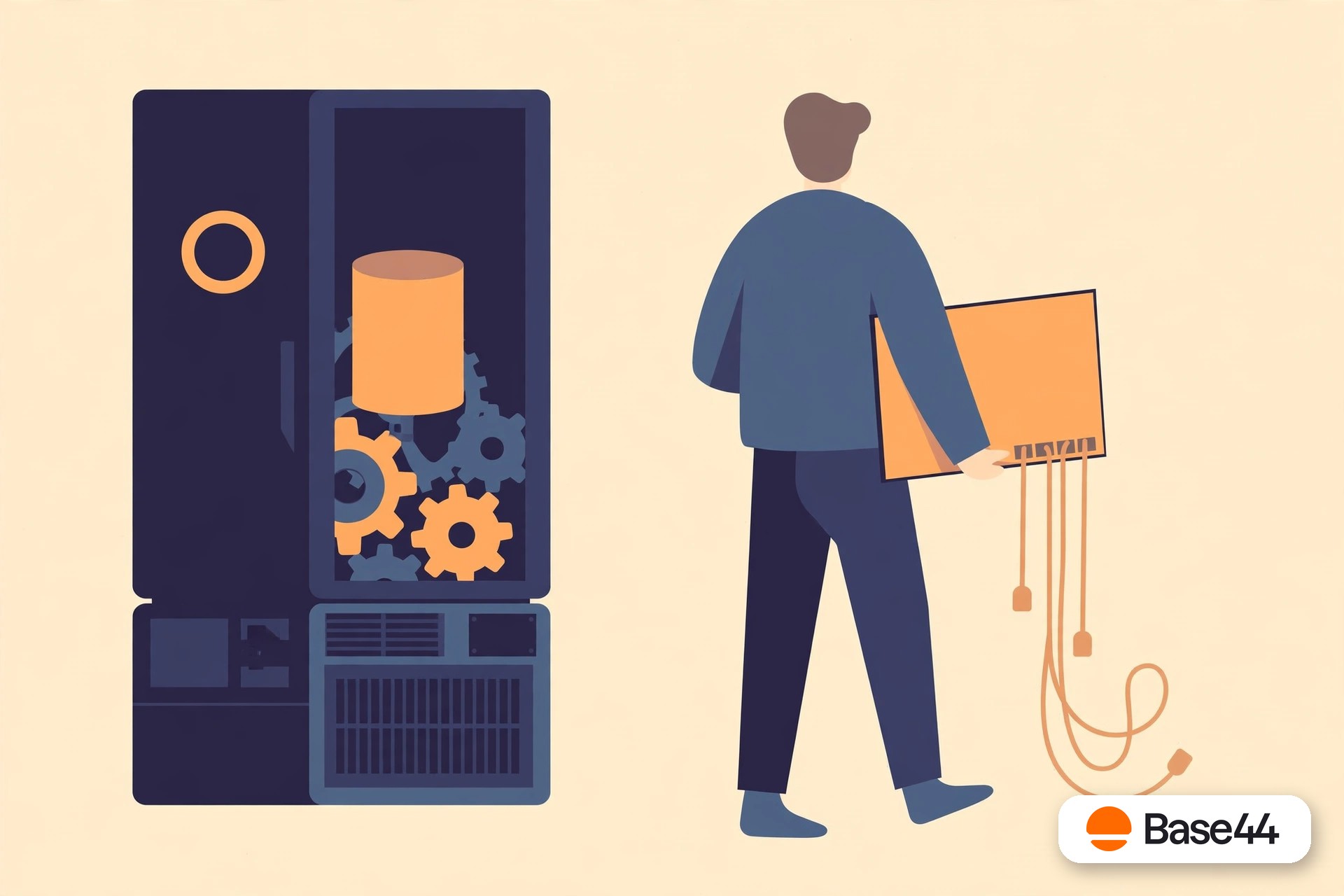
There is no import button
Every builder is a walled garden
This surprises people, but it shouldn’t: Base44, Lovable, Replit, Bolt — none of them can ingest another builder’s app. Each platform stores your project in its own proprietary format, on its own database, behind its own auth. There’s no shared standard to import from, so “switching builders” always means the same thing: describe the app again, and let the new AI build its own version.
That’s not a criticism of Lovable — it’s genuinely good at turning a description into a working app, and for a new project it may be the right tool. The question is only what happens to the app you already have, with real users and real data in it.
Here’s the honest inventory.
The inventory
What transfers, and what doesn’t
Transfers: the screens
Take screenshots of every screen and describe each one carefully, and Lovable will regenerate a close approximation. The better your description — layout, colors, every button’s behavior — the closer the result. Expect several rounds of “no, the sidebar should…”
Transfers: the data
Your tables can move as CSV exports and be re-imported. The rows survive; the relationships, computed fields, and validation rules around them need to be rebuilt and re-tested by hand.
Transfers: the files
Uploaded images, PDFs, and documents can be downloaded from Base44 and re-uploaded. Tedious but straightforward — just don’t discover the missing ones after you’ve canceled.
Doesn’t transfer: users
User accounts live inside Base44’s auth system, and passwords can’t be exported from any platform — they’re one-way hashes. Every user starts over: new account or password reset on the rebuilt app.
Doesn’t transfer: backend logic
Server functions, automations, scheduled jobs, and integrations have to be re-described and regenerated — and then debugged, because the new AI will implement them its own way, with its own edge cases.
Doesn’t transfer: the polish
The hundred small decisions the Base44 AI got right over dozens of iterations — the empty states, the error messages, the exact workflow quirks your users rely on. That institutional knowledge lives in the old app, not in your description of it.
Add it up and “switching builders” is a rebuild project wearing a migration costume. Our export guide shows exactly which pieces you can pull out of Base44 to feed the rebuild.
The treadmill
The question nobody asks: why switch platforms at all?
Step back for a second. If the reason you’re leaving Base44 is lock-in — you can’t reach your database, you can’t stop paying without losing the app, the meter runs on every prompt — then moving to Lovable trades one walled garden for another. Your app will live on Lovable’s database, behind Lovable’s auth, on Lovable’s billing. The screens get rebuilt; the structural problem doesn’t.
The alternative is to break the cycle: migrate the app onto infrastructure you own — your Supabase project, your Vercel hosting, your GitHub repo. Then the builder question becomes irrelevant, because there’s no platform left to be locked into. You can still use AI tools to build — but what they build lands in your repo, on your database, under your control.
That’s the difference between switching landlords and buying the building. If you want the full picture of what ownership actually requires, start with the three ownership tests.
The honest math
Rebuild vs. migrate: the cost comparison
A Lovable rebuild looks cheap — it’s just prompts, right? Count the real costs: re-describing every screen over multiple iterations, re-uploading and re-linking all data, rebuilding every backend function and integration, re-testing the whole app with real accounts, re-onboarding every user with new logins, and running two platforms (and two bills) during the transition. For a real app with real users, that’s weeks of your time — and at the end, you own the result exactly as much as you owned the Base44 version.
A migration to your own infrastructure costs money once and ends the subscription treadmill permanently. OffRamp rebuilds the whole app — data, users, files, functions, frontend — on Supabase, Vercel, and GitHub accounts in your name, and you test it on a staging link before anything changes. One project, then no more platform rent.
FAQ
Questions, answered honestly
Can I import my Base44 app into Lovable?
No. No AI builder offers an import-from-another-builder button — each platform keeps your app in its own proprietary format. Moving means rebuilding the app in Lovable from your description and screenshots, then re-attaching your data.
What transfers when moving from Base44 to Lovable?
The screens can be recreated from descriptions and screenshots, data tables move as CSV exports, and uploaded files can be re-uploaded. That’s the portable part: roughly the frontend plus raw data.
Do my users keep their logins if I switch builders?
No. Users exist inside Base44’s auth system and passwords can’t be exported from any platform. Every user will need a new account or a password reset on the rebuilt app — plan that communication before you switch.
Is Lovable a good Base44 alternative for a new app?
For starting fresh, it’s a reasonable choice — it’s good at generating new apps from descriptions. The lock-in question applies to every builder equally, though: if you want to own the result, build it on infrastructure you control from day one.
What’s the alternative to switching builders?
Migrate to infrastructure you own instead of to another platform: your Supabase database, your Vercel hosting, your GitHub repo. That ends the lock-in cycle rather than restarting it — and it’s what OffRamp does.
Don’t switch landlords. Buy the building.
Connect your Base44 account from the OffRamp home page. The free analysis takes about a minute — what’s portable, every gap, and your fixed quote — and your Base44 app stays untouched throughout.
Start your free analysis